
Help
Help for orders made of many links
Indexed by the problem rather than by the channel. Every door below is on AllChinaBuy's own site, because that is where your account, your warehouse and your parcel actually live.

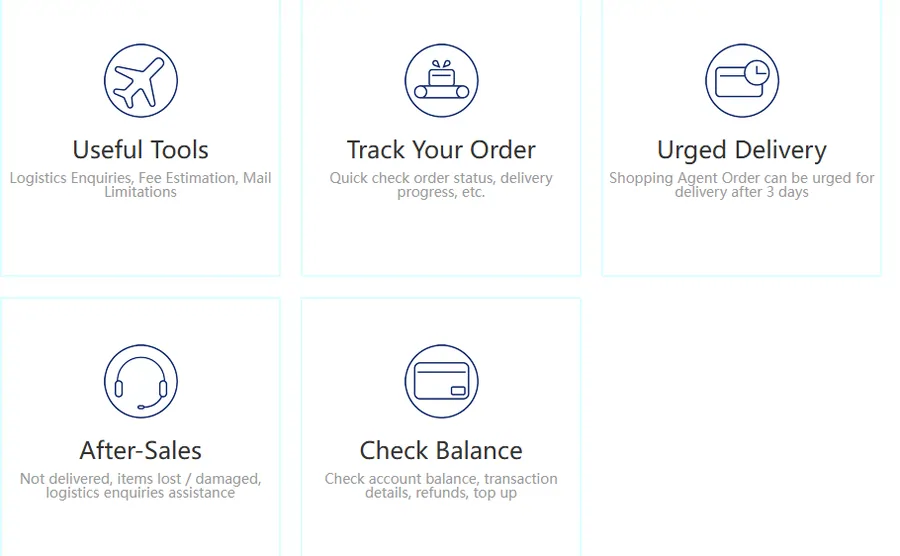
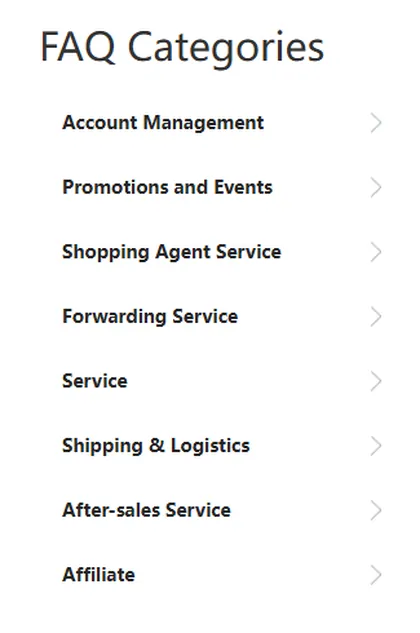
Their help centre has a search box, sections covering shopping agent and forwarding services, shipping and logistics, after sales and affiliates, and a set of self service tools you can use without opening a ticket.
The tools worth knowing about before you need them are the shipping calculator, parcel tracking, the option to chase a slow order, and the balance view where refunded shipping differences turn up.
allchinabuy.comAllChinaBuy help centreSearch, service sections, self service tools and published contact addresses.Partner link. We earn a commission if you sign up, at no extra cost to you.Five multi item problems and the door each one uses
01
One order in the run is not moving
The rest of the run is waiting on it, which makes it worth chasing rather than tolerating. AllChinaBuy publishes an urged delivery tool for shopping agent orders and states the waiting period after which an order can be chased. Their help centre is where the current rule is.
02
An item arrived and looks wrong
Inspection photos are taken when goods reach the warehouse and this is the window where you still have choices. Their after sales sections cover items in abnormal condition, returns and compensation.
03
The parcel will not submit
AllChinaBuy states that each delivery type has its own weight limit and that an over weight parcel cannot be submitted, so you remove items and try again. The calculator lets you work out which combination fits before you get there.
04
You are not sure an item can be shipped at all
Read this one before ordering, not after. Their mail restrictions page and the notes in the shipping FAQ cover prohibited goods and the certification air transport wants for liquids, powders and creams.
05
Where the refunded difference goes
The shipping deposit is trued up against what the carrier measures and the difference goes back to your account balance rather than to your card. The balance view in their self service section is where it appears.
Frequently asked questions about multi item orders
Eight questions, answered from what we could verify. Where the answer depends on a number that changes, we say where the number lives instead of copying it.
Can I paste more than one link at a time on AllChinaBuy?
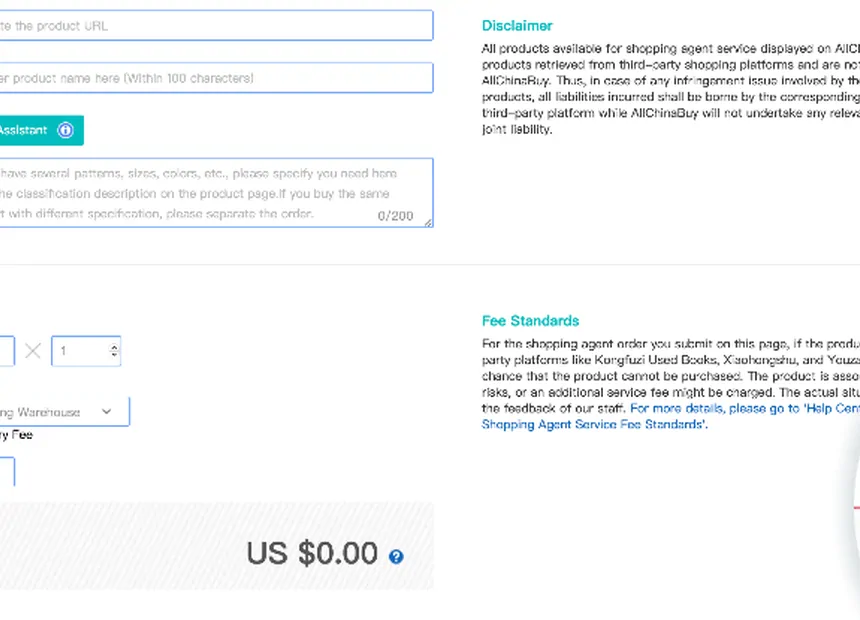
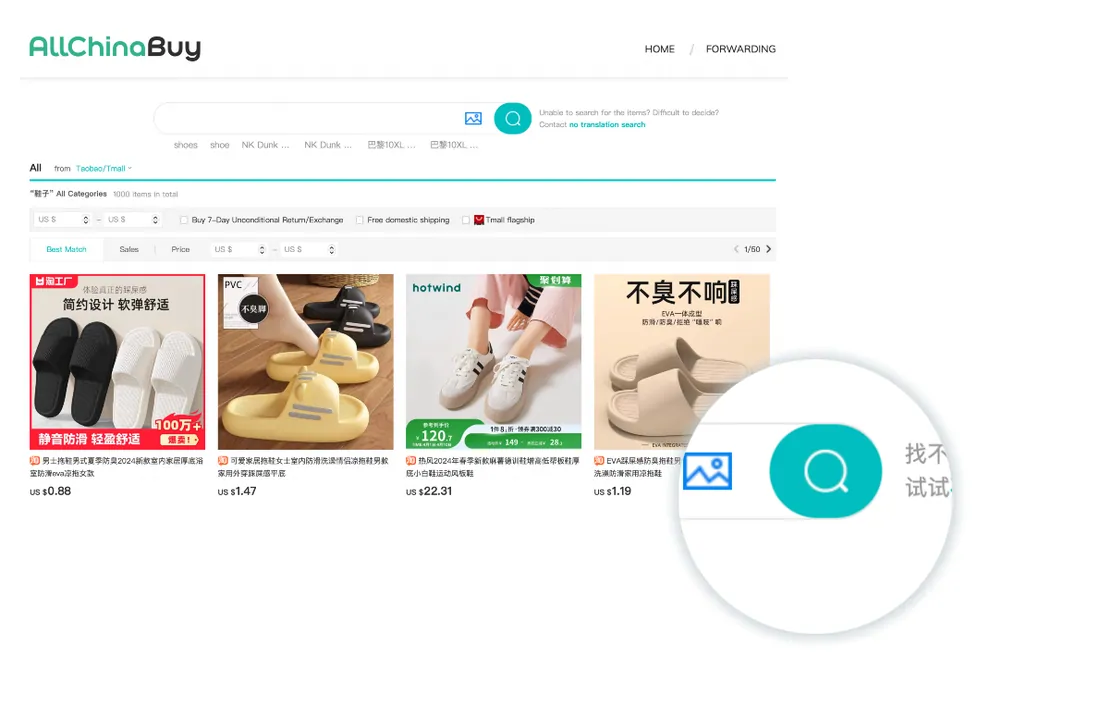
You add links one at a time and they collect in the cart, which is what lets a run of twenty links become one set of orders. The searching step accepts a pasted product link or a product name, and AllChinaBuy says it can read the details of most listings on the big Chinese marketplaces automatically. When it cannot, you get a form to fill the order details in by hand, and that form is where a long run usually goes wrong.
What happens when the automatic capture fails?
A page appears asking you to fill in a shopping agent order by hand. You type the product details yourself and then add it to the cart or buy it. Nothing is broken at that point, but the size, colour and quantity now come from you rather than from the listing, so this is the moment to look back at the original page rather than trust memory.
Do I pay once or twice for a run of many items?
Twice, and the split does not change when the run gets bigger. You pay for the items and their Chinese domestic delivery when you place the orders. You pay an international shipping deposit later, when you pick items out of the warehouse and submit them as a parcel. AllChinaBuy calculates the final shipping charge from the size and weight the carrier verifies and returns any difference to your account balance.
Do all twenty items have to arrive before I can ship anything?
No. The warehouse holds what has arrived and you decide when to submit. AllChinaBuy offers free storage for a stated period and openly suggests stocking up and consolidating to save on shipping, so waiting is a normal choice rather than a workaround. Check their storage page for the current window before you plan around it.
What do I do if the parcel comes back as over weight?
AllChinaBuy states it directly: each delivery type has its own weight limit, and if the parcel is over it you will not be able to submit it. You remove some items and submit again. That is why it helps to know which one or two things in your run are the heavy ones before you get to that screen.
Can I still order if the listing is only in Chinese?
Yes. Most listings on the Chinese marketplaces are in Chinese and that is the normal case rather than a problem. The part that matters is the option you select, because the option is what the buyer acts on. Our attribute check page walks a link through the three things worth pinning down before you order.
Is the spreadsheet the same thing as AllChinaBuy?
No, and mixing them up is the most common confusion we get by email. The spreadsheet is a browsing site: pages of product cards you scroll through by category, each card carrying a link. AllChinaBuy is the agent that buys the item, inspects it, stores it and ships it. You find things in one place and order them in the other.
Where do I get help if something in the run goes wrong?
AllChinaBuy runs its own help centre with a search box, sections for shopping agent and forwarding services, and self service tools for tracking, chasing a slow order and checking your balance. Their published support hours are Beijing time and their service address is [email protected]. Our help page maps the common multi item problems onto the right tool there.
Still stuck

Ask the agent
Anything about your account, your money, your goods or your parcel has to go to AllChinaBuy. We have no access to any of it.
allchinabuy.comContact AllChinaBuyTheir published contact routes, hours and addresses.Partner link. We earn a commission if you sign up, at no extra cost to you.Ask us
If something on this site is wrong, unclear or out of date, tell us and we will fix it and log the change. Write to [email protected]. A person reads it.
Tool
Attribute check
Paste the links you are about to order. You get one card per link with the three fields that travel from a listing into an order, and a plain text summary you can keep beside the cart while you work through it.
Nothing pasted yet. The tool runs entirely in your browser and stores nothing.
Why these three fields
They are the only things a product card cannot know and the first things an order form asks for.
Size. Chinese listings label sizes in their own way and two sellers of the same style will not agree. The size option on the listing is the thing the buyer acts on, so it is the thing to record.
Colour option. Listings often carry a colour selector where the choices are described in Chinese and shown as swatches. Writing down which one you picked, in the seller's own wording, is the only reliable reference later.
Quantity. Obvious on its own, easy to lose in a run where you meant two of one thing and one of everything else.
Stock is a fourth thing worth knowing about but not worth recording, because only the seller controls it and it can change between you copying the link and the buyer acting on it.
How to use it without making more work
01
Paste once, at the start
Do it when the run is closed and before you have ordered anything. The point is to have the list in front of you while you work through the cart, not to build a record afterwards.
02
Fill the fields from the listing, not from memory
Open each link, read the options, type what is actually there. This is the step that catches the mistake, and it is the only step that does.
03
Keep the summary open while you order
Copy the summary into whatever you already use. Then each item in the cart gets compared to a line you wrote from the listing rather than to your recollection of choosing it.
04
Check again at the confirmation screen
AllChinaBuy shows you the order before you pay. That is the last place a wrong option is cheap. After payment it becomes a message to a buyer.
05
Then throw it away
Once the items are inspected and photographed in the warehouse, the photos are a better record than anything you typed. The list has done its job.
Nothing leaves your browser. This page has no server component. The links you paste are held in the page while it is open and disappear when you close the tab. We cannot see them, and neither can anyone else.
Mistakes
Six things that need a second item to go wrong
None of these can happen when you order one thing. All of them are ordinary once you are ordering twelve. They are grouped by the step they belong to, because the fix is almost always in a different place from the symptom.
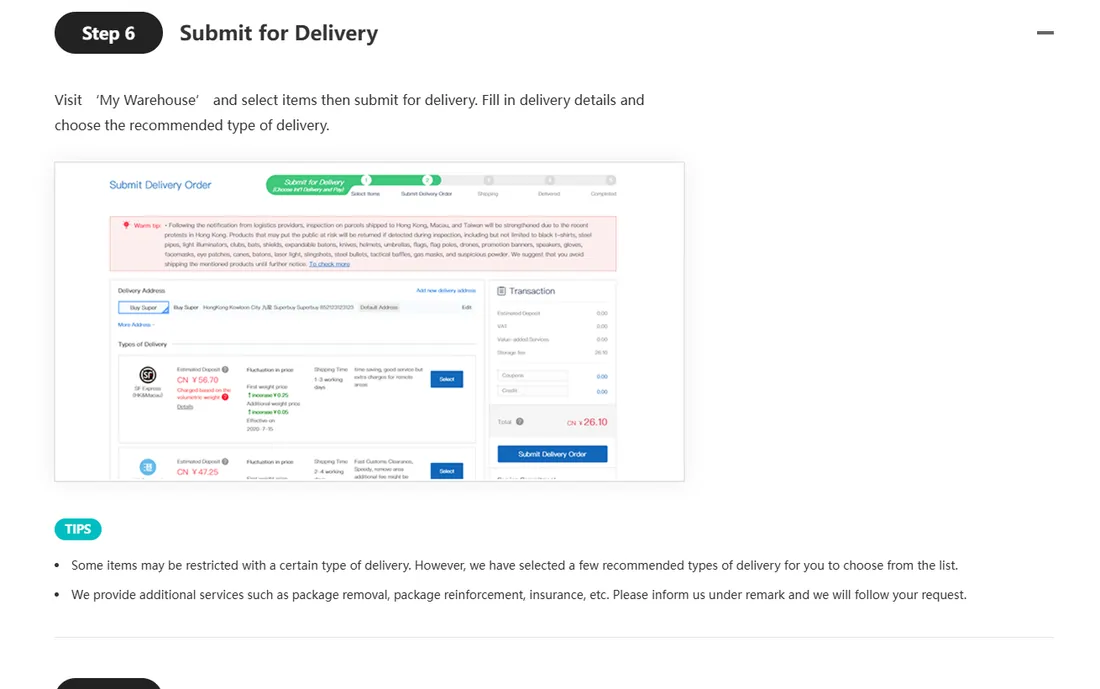
01 · When the automatic capture works
The option you remember is not the option you picked
With one order you notice a wrong colour immediately because there is nothing else to look at. With fifteen, the cart is a wall of Chinese product titles and one wrong option looks exactly like fourteen right ones. Check each line against its own listing before you pay, not against your memory of choosing it.
02 · When the automatic capture fails
The hand filled form quietly becomes the source of truth
AllChinaBuy reads most listings by itself, and when it cannot you get a form to type the details into. That form is honest about what it is. The trap is that after you submit it, the order says what you typed, and nobody else ever compares it to the page you copied the link from.
03 · While you wait
Treating twenty links as one shipment
Twenty links from twenty sellers are twenty separate domestic shipments with twenty different arrival times. The warehouse is where they meet, and it is the only place they meet. Until the last one lands, there is no parcel to talk about.
04 · At the parcel stage
Leaving the heavy item and the restricted item for last
The delivery types you are offered depend on what is in the box. One battery or one bottle of liquid can change the list for everything beside it, and a late heavy addition can put you over a limit. Both are cheap to check while the item is still a link and expensive to discover at the submit screen.
05 · At the payment stage
Assuming the deposit is the final shipping cost
The international shipping figure you pay first is a deposit worked out from estimated weight, your chosen route and your destination. The real charge comes from the size and weight the carrier verifies, and AllChinaBuy returns any difference to your account. On a big consolidated parcel the gap between the two is bigger, not smaller.
06 · At the submit screen
Packing requests made in the wrong place
Removing shoe boxes, reinforcing a package and adding insurance are things you ask for in the remarks when you submit a parcel for delivery. Asking earlier, in the order remarks, is asking the wrong step. It is the same words in the wrong window.
The one that costs the most
Of the six, the hand filled order form is the one worth reading twice, because it is the only one where the system is working exactly as designed and the loss is still yours.
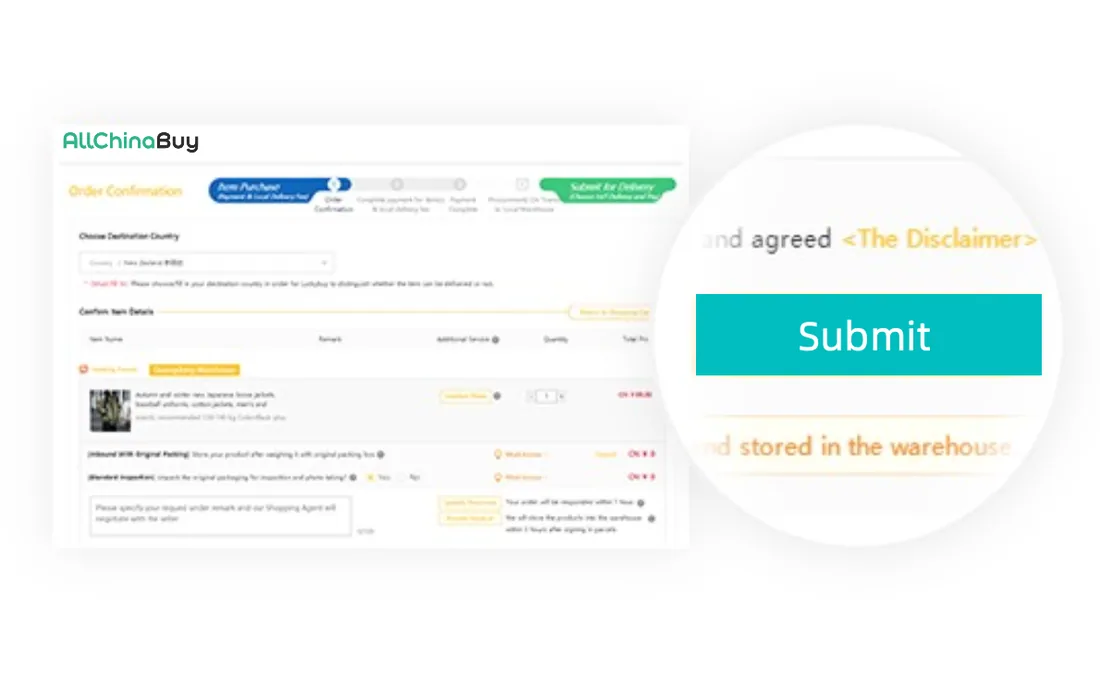
AllChinaBuy states that it can read most listings on the big marketplaces automatically. When it cannot, it asks you to fill in the order by hand and says so plainly. Nothing is hidden.
What makes it costly in a long run is the position it occupies. It arrives in the middle of a repetitive task, it looks like a form rather than a decision, and after you submit it there is no version of the truth left except the one you typed.
The countermeasure is small: before you start ordering, write down size, colour option and quantity for every link, taken from the listing itself. Then the form has something to be checked against.
If something has already gone wrong
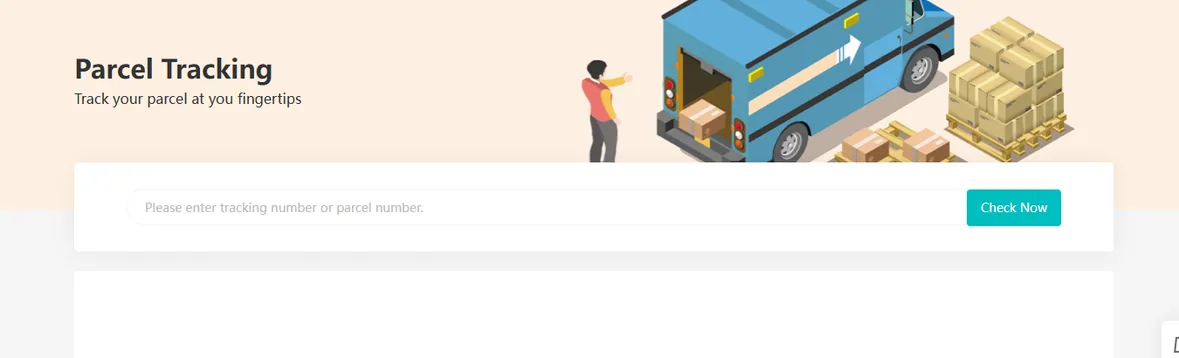
While the item is still in China
Inspection happens before shipping and photos are taken. AllChinaBuy says it will contact you if there is a problem, and their help centre carries after sales sections for items in abnormal condition, returns and compensation. This is the window where options exist.
Once the parcel has left
After shipping, questions attach to the parcel rather than to the order. AllChinaBuy is explicit that delays, customs decisions and damage in the hands of a third party carrier are outside their control, while saying they will help where they can.
allchinabuy.comAllChinaBuy help centreAfter sales sections, self service tools and their published contact addresses.Partner link. We earn a commission if you sign up, at no extra cost to you.